How to find the key of a song
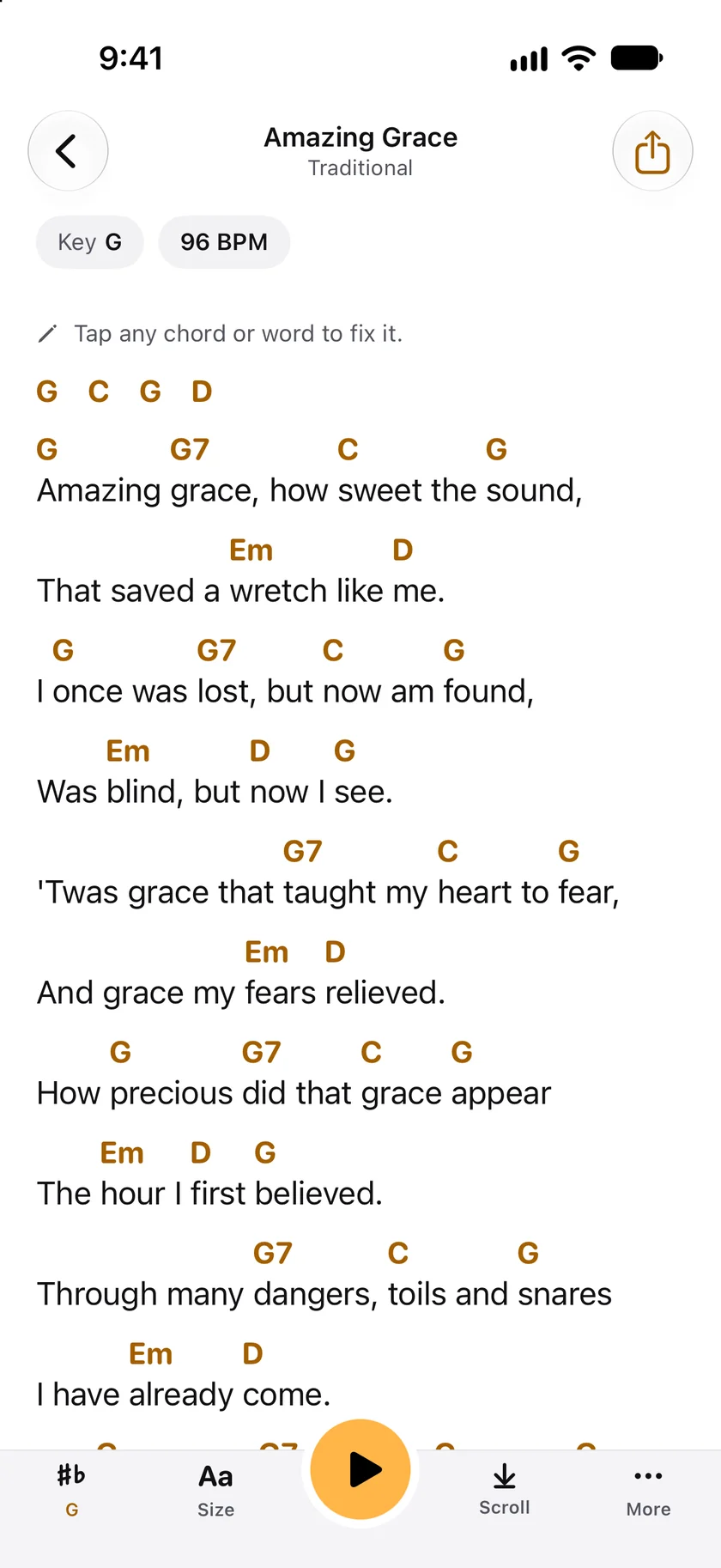
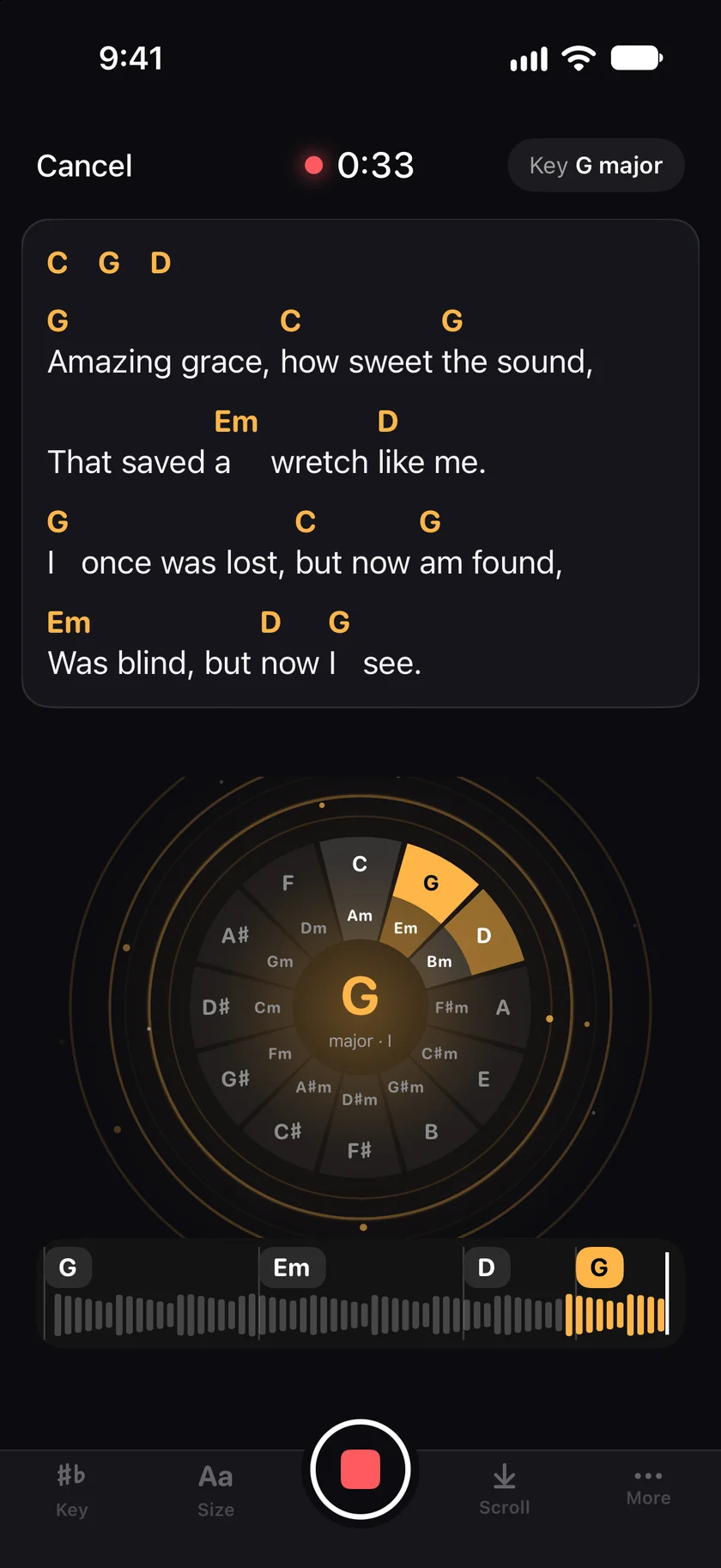
Play the song to GetChords and tap Tap to listen, or open the song file under Import, Audio. While it listens, the key shows at the top right, such as Key G major. When you tap Stop, the sheet opens with the key and the tempo at the top, such as Key G and 96 BPM, and every chord of the song below. GetChords works the key out from the chords it hears. It does not look up songs by name.
GetChords is on the App Store for iPhone, iPad and Mac. The guide names every button as the app shows it.
You need GetChords on an iPhone or iPad with iOS 26 or later, or on a Mac with macOS 26 or later. The song itself: playing on a speaker, as an audio file, or as a chord sheet.
-
Play the song to GetChords
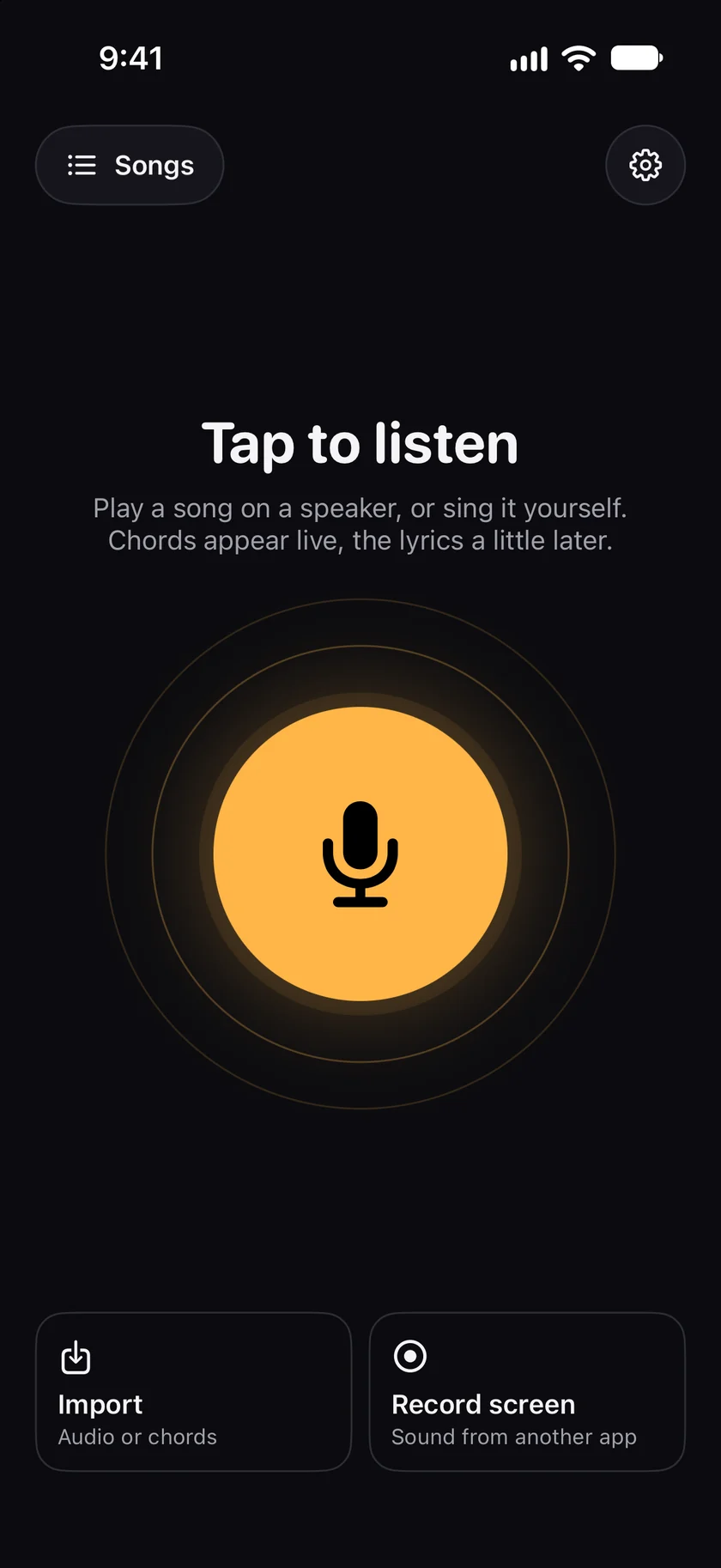
Open GetChords and tap Tap to listen, then play the song where your iPhone can hear it. For a song file, tap Import and then Audio, or Video for a video from Photos. The guide to a song you hear has every step of the listening.
iPhone -
Watch the key while it listens
From the third chord on, the key stands at the top right, such as Key G major or Key E minor. It can change while more chords come in, because GetChords looks at every chord so far.
iPhone -
Read the key and the tempo on the sheet
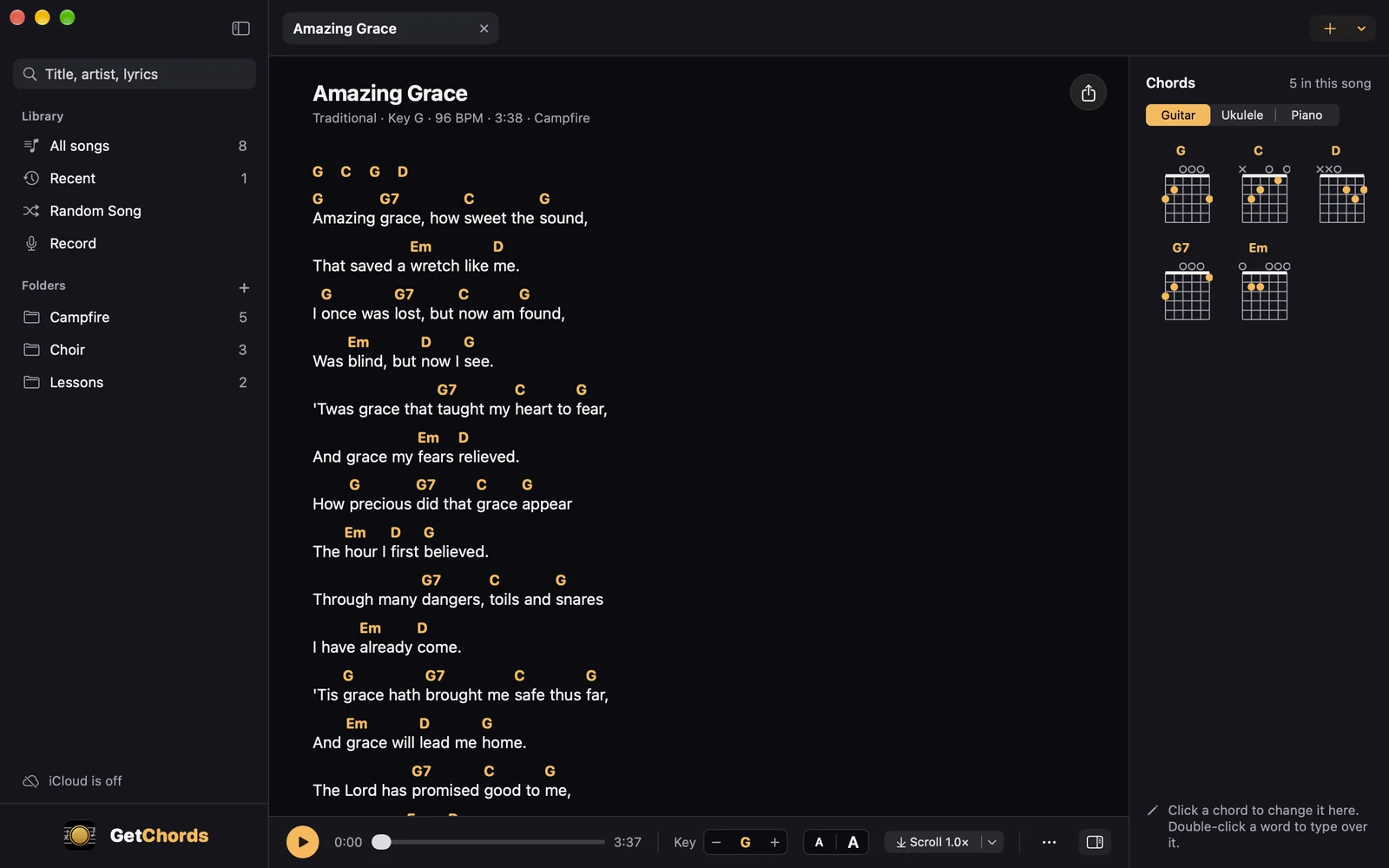
Tap Stop. At the top of the sheet, Key G is the key and 96 BPM is the tempo, counted from the beats of the recording. A minor key is written with an m, such as Key Em. Below, every chord of the song stands above the word it starts on.
-
Find the key of every song at a glance
In Songs, the key stands beside each title. On a Mac, the library has a Key column you can sort by, and the line under a song's title says Key G · 96 BPM.
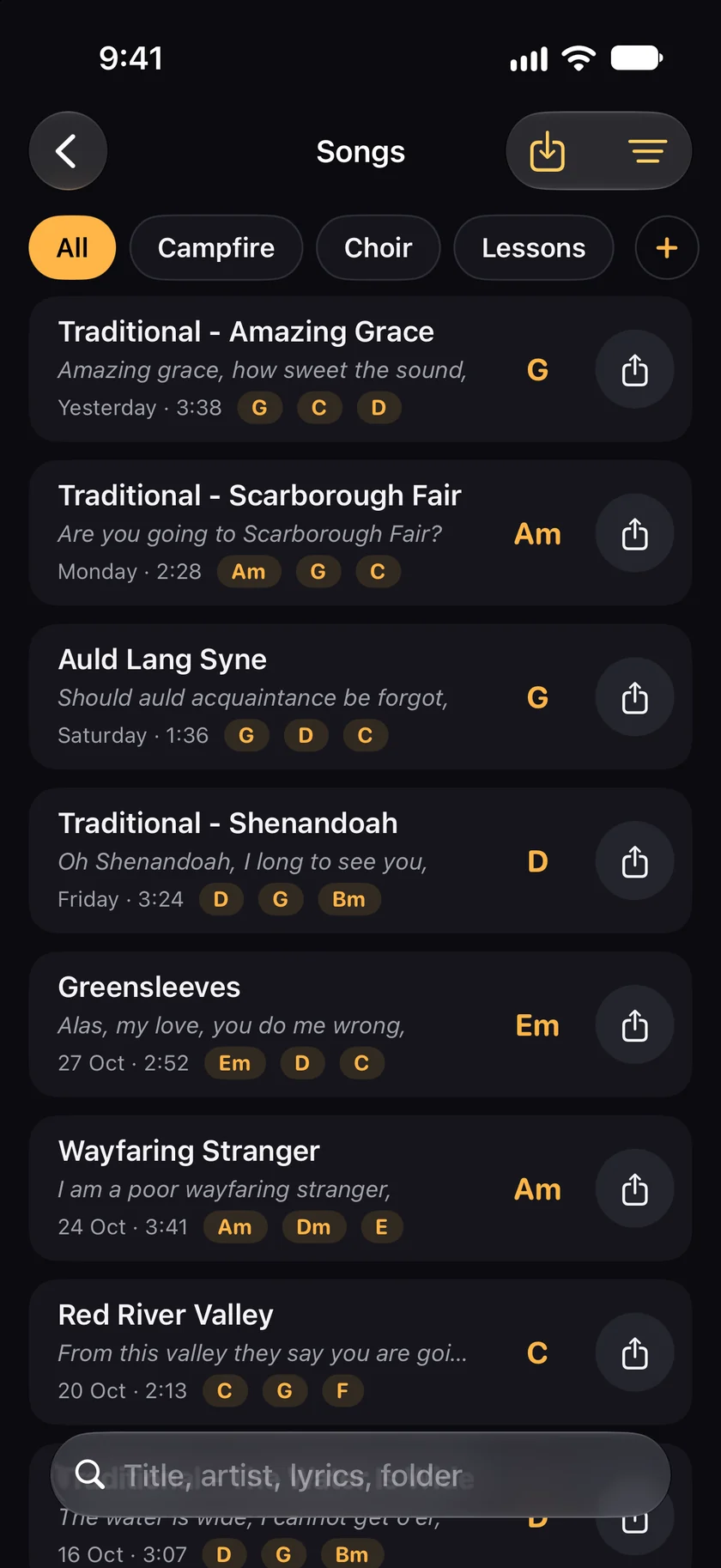
iPhone 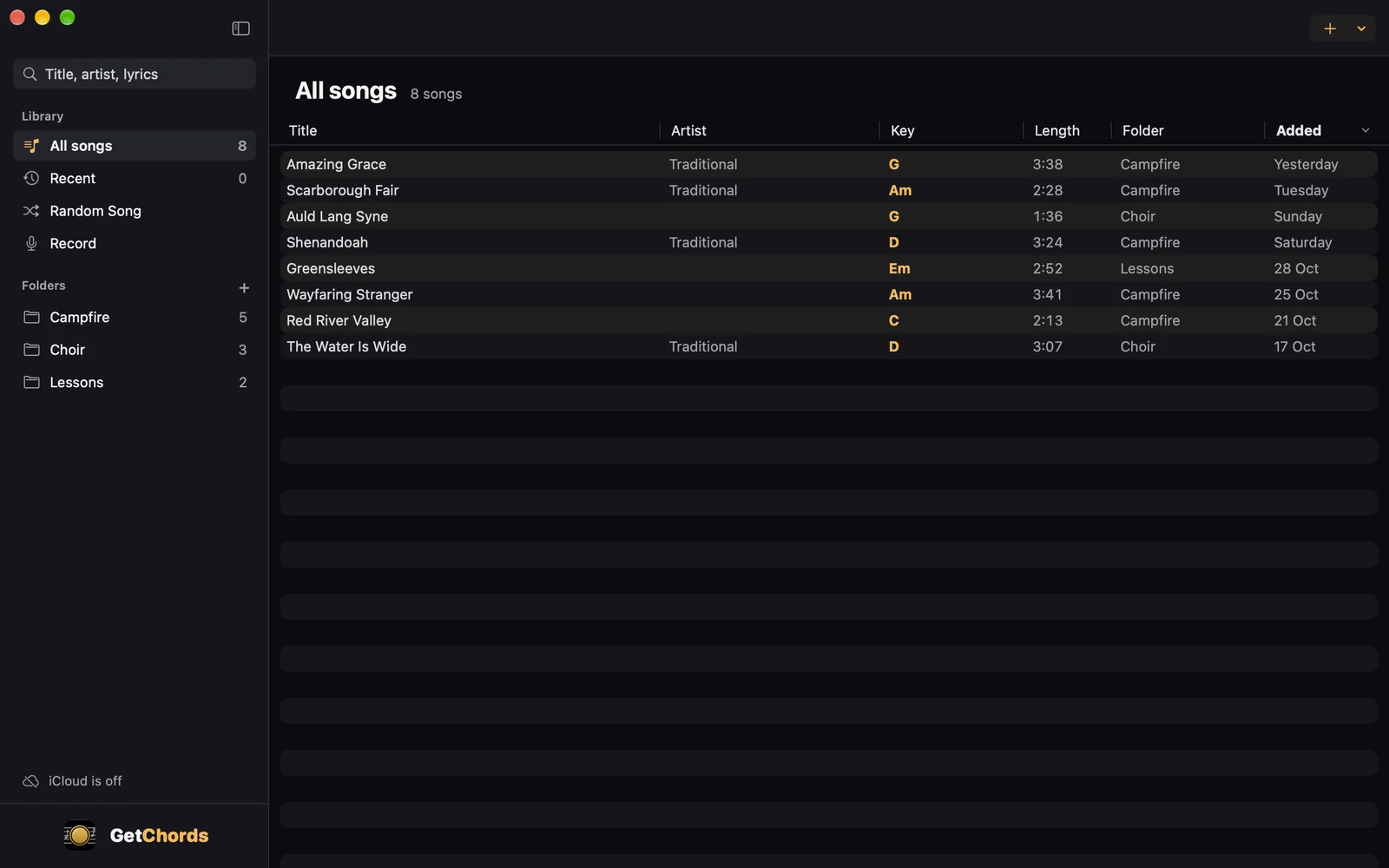
Mac -
The key of a chord sheet you already have
Import the sheet under Import: Paste, Photos, Camera or File. If the page names its key, as in Key: Eb, GetChords takes it. Otherwise it works the key out from the chords on the page. A sheet has a tempo only when the page gives one.
-
Move the song to another key
Tap ♯♭ at the bottom left. The minus and the plus move every chord by a semitone, and the key at the top moves with them. A capo under More leaves the key as it is: the song still sounds in it. The transpose guide has a capo chart.
-
How do I find the key of a song?
Play it to GetChords with Tap to listen, or open the song file under Import, Audio. The key stands at the top of the chord sheet, with the tempo beside it.
-
Is there an app that tells you what key a song is in?
GetChords does it by listening: it hears the chords, works out the key from them, and shows it while the song plays and at the top of the sheet. It runs on iPhone, iPad and Mac.
-
Can I find the key of an MP3 or a video?
Yes. Tap Import, then Audio for an MP3 or another song file, or Video for a video from Photos. GetChords uses the first 5 minutes. On a Mac, drop the file on the window.
-
Can I find the key and the BPM of a song at the same time?
Yes. The sheet of a recorded or imported song shows both at the top, such as Key G and 96 BPM. The tempo is counted from the beats of the recording.
-
How do I find the key of a song from its chords?
Most songs start or end on the chord of their key, and use the chords of that key the most. GetChords weighs every chord by how long it sounds and picks the key those chords fit best. For a chord sheet, import it and the key stands at the top.
-
Can I look up the key of a song by its name?
No. GetChords has no song catalogue and no search. It finds the key of a song you play to it, of a file you open, or of a chord sheet you bring.
-
What if the song changes key?
GetChords shows one key for the whole song, the one most of its chords fit. A key change halfway through shows in the chords, not in the key at the top.
-
How accurate is the key?
The key comes from the chords GetChords hears, so it is as good as they are. If a chord is wrong, tap it and pick the right one. A clear recording close to the speaker helps.
-
What does it cost?
The first 25 songs are free, recorded or imported. After that, one purchase unlocks unlimited songs on your iPhone, iPad and Mac. It is not a subscription, and there is no account and no ads. Songs you already have stay readable, editable and exportable without the purchase.
GetChords finds the chords, the key and the tempo of a song you play to it, and writes the chord sheet with the lyrics. It has no subscription and no account.
- How to find the chords of a song you hearGuide
- How to find the chords of an audio file, an MP3 or a videoGuide
- How to transpose chords and find the right capo fretGuide
- How to photograph a chord sheet and transpose it to another keyGuide
Written for GetChords 1.0. Button names are the ones the app shows.