
New in 2.0
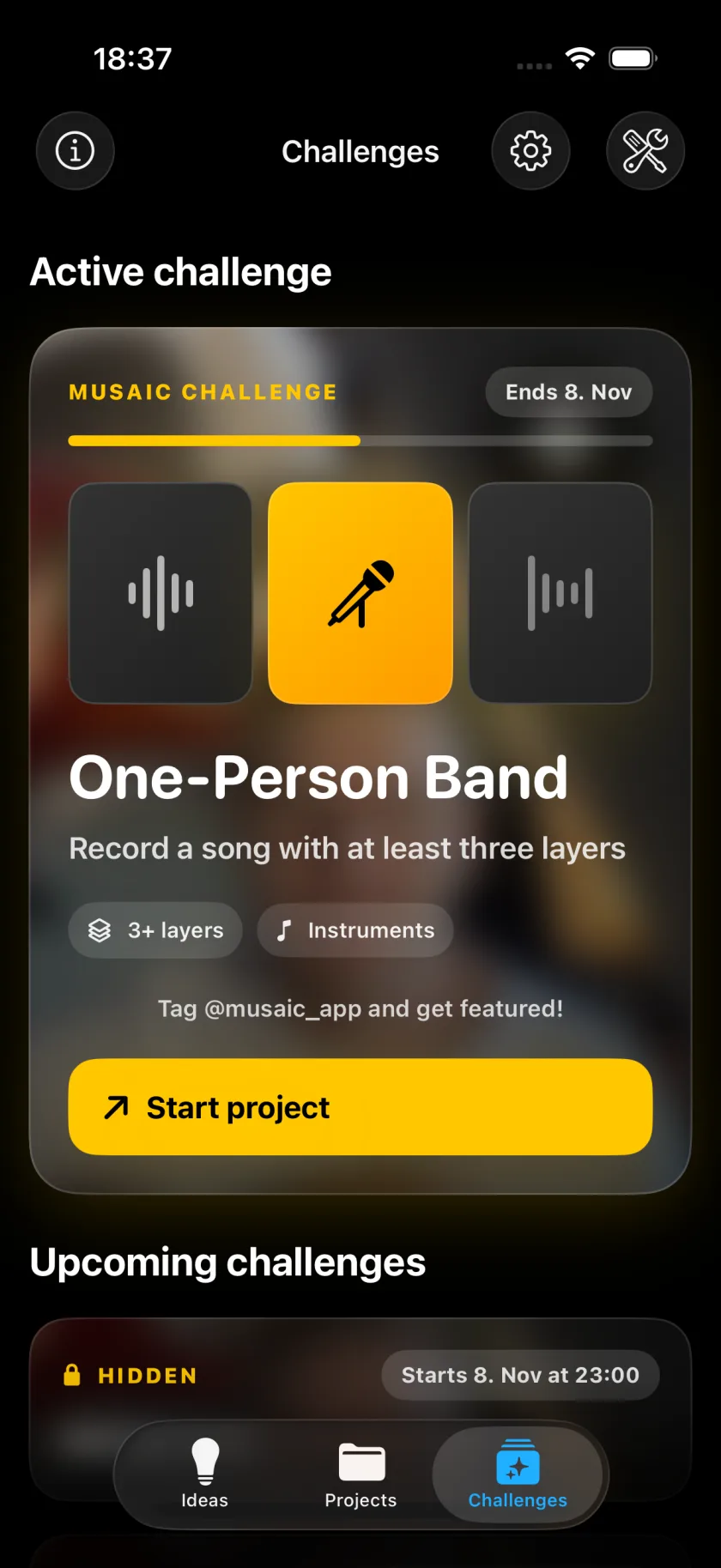
Weekly challenges Free
One musical task for everyone, every week. You decide how it sounds.
- Unlocks on its date - each task stays hidden until it starts and runs until the next one
- One tap to start - Start project sets up the beat, words or notes the task comes with
- Get featured - post with #musaicchallenge and tag @musaic_app
- First up: One-Person Band - from October 19
Ideas Free
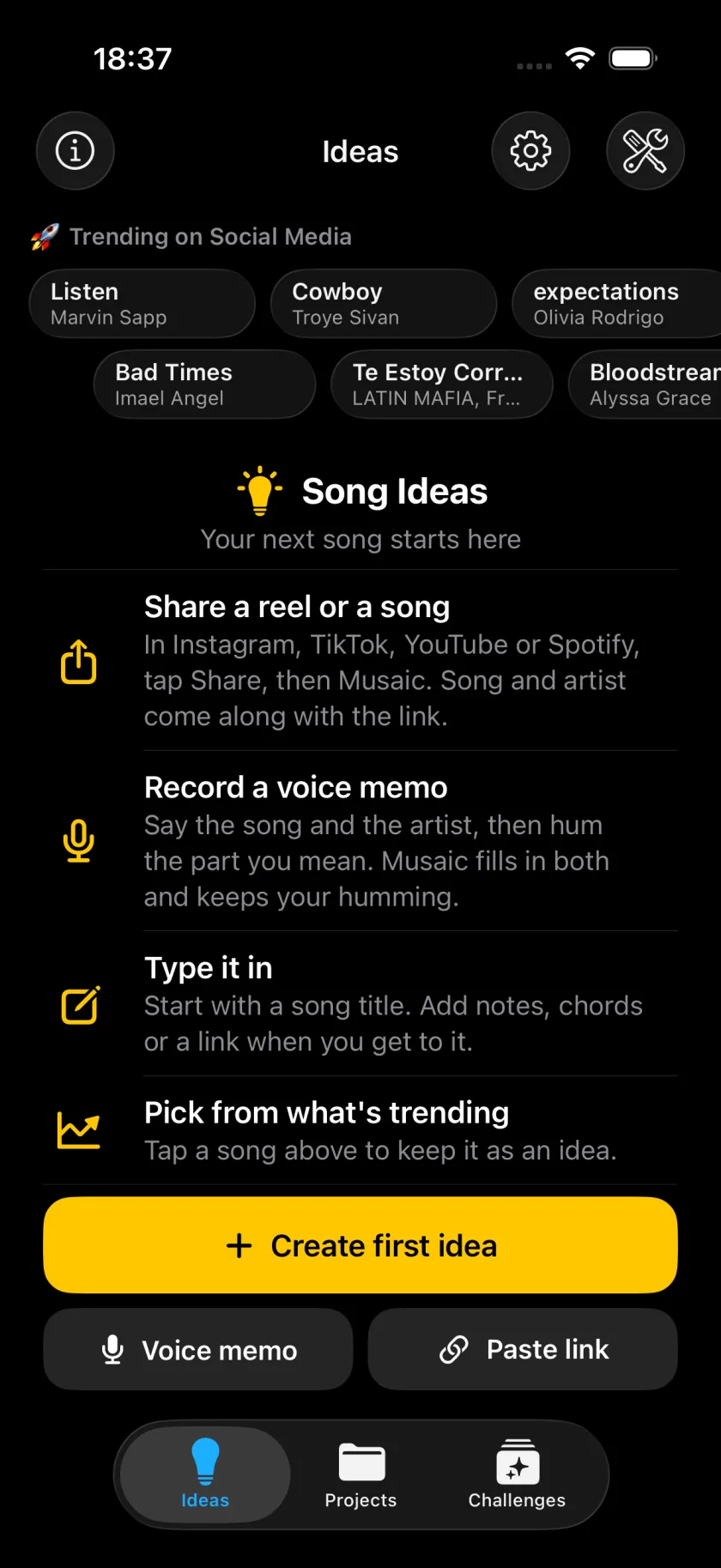
Keep every song you want to record in one list.
- Share from Instagram, TikTok, YouTube or Spotify - tap Share, then Musaic. Song and artist come along
- Say it out loud - name the song, hum the part, Musaic fills in both
- Sketch it - record a quick voice sketch on the idea
- Idea to project - one tap when you are ready
Audio Lab Pro
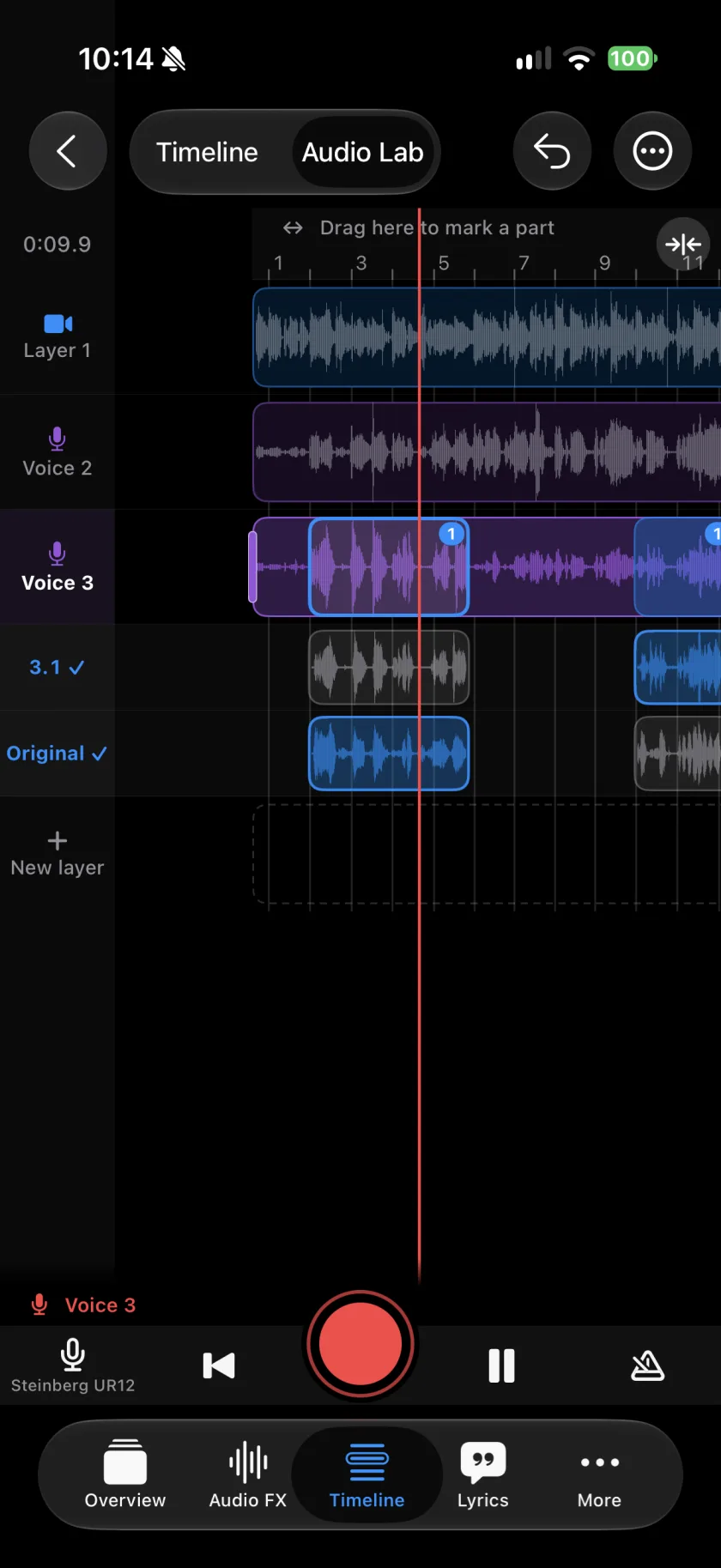
Every layer with sound on one screen. Tap a layer, mark a part, press Record.
- Sing one line again - only the marked part is replaced, the old one is kept
- Pick the best take - tap the part, hear each take
- New layer - record another voice over the song
- Count-in and click - at least one bar before the part
Modes
Features
Audio FX
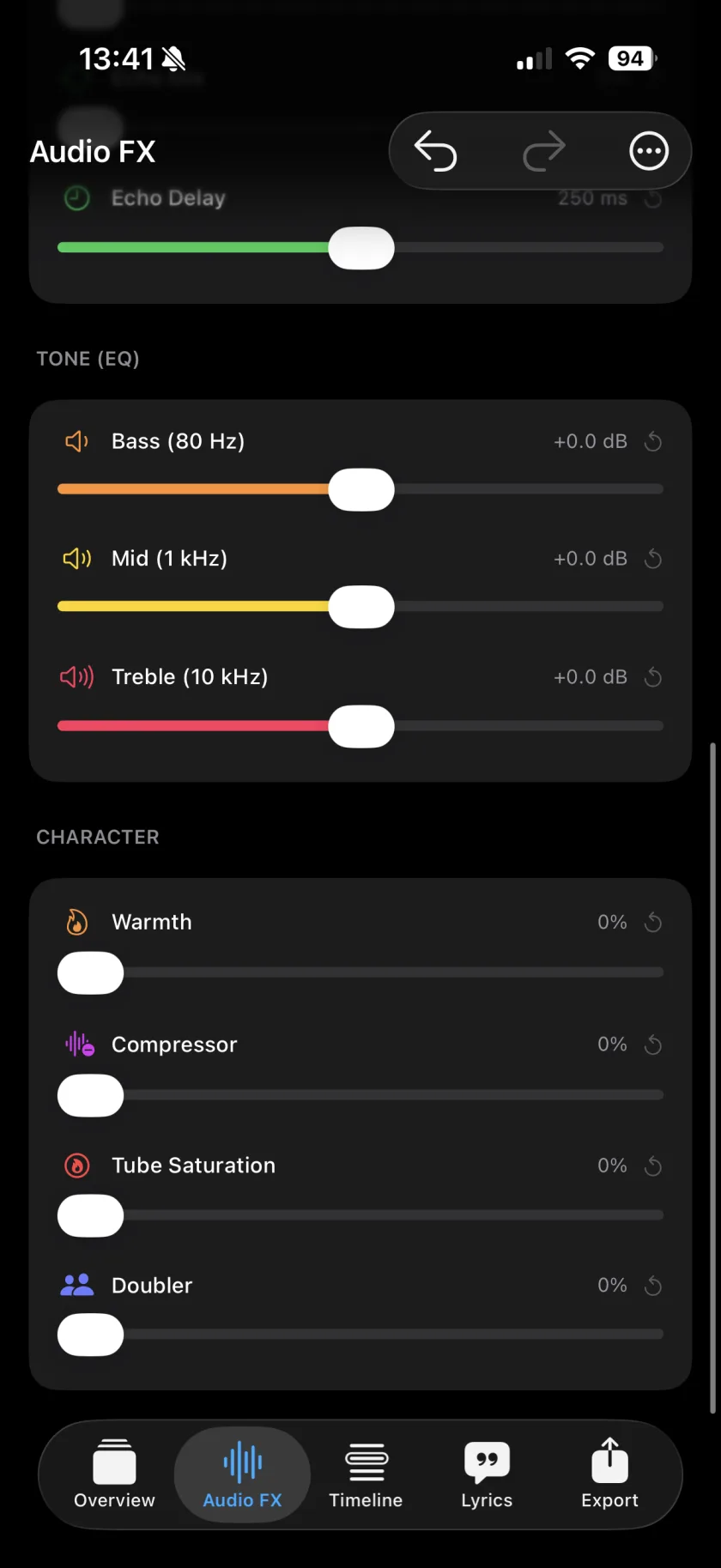
Every layer gets its own effects rack.
- Space - Room, Hall, Slapback, Dub and Ambient reverbs, plus echo & delay
- Tone - three-band EQ on bass, mids and treble
- Character - Warmth, Tube Saturation, Compressor and Doubler
- Pan - move any layer left or right in the mix
- Harmonies Pro - extra voices around yours, in the song's key
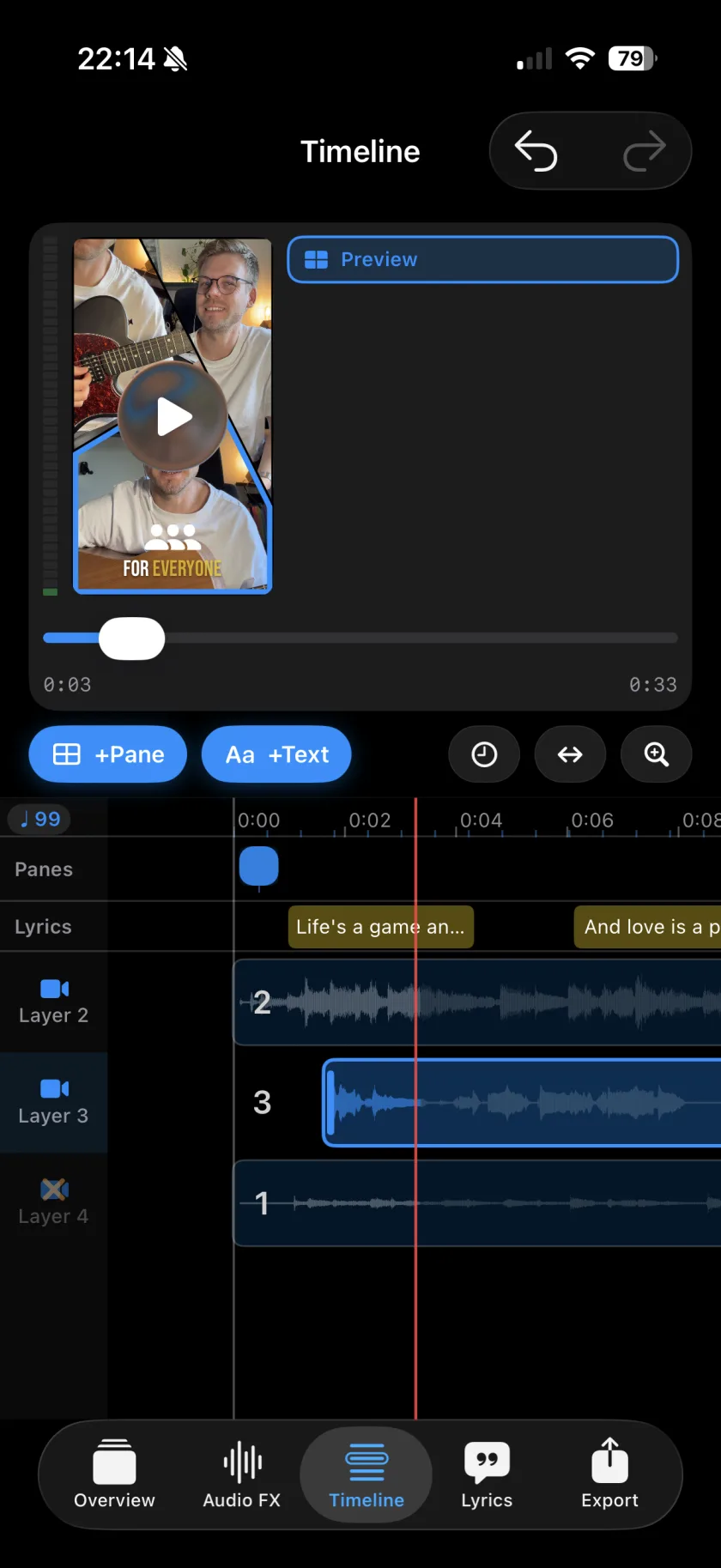
Timeline
A DAW-style timeline for your layers, lyrics, overlays and pane changes - with waveforms, beat ticks and millisecond nudging.
- Animate the layout - choreograph pane changes to the song
- Text overlays - titles, captions and lower thirds, styled and animated in and out
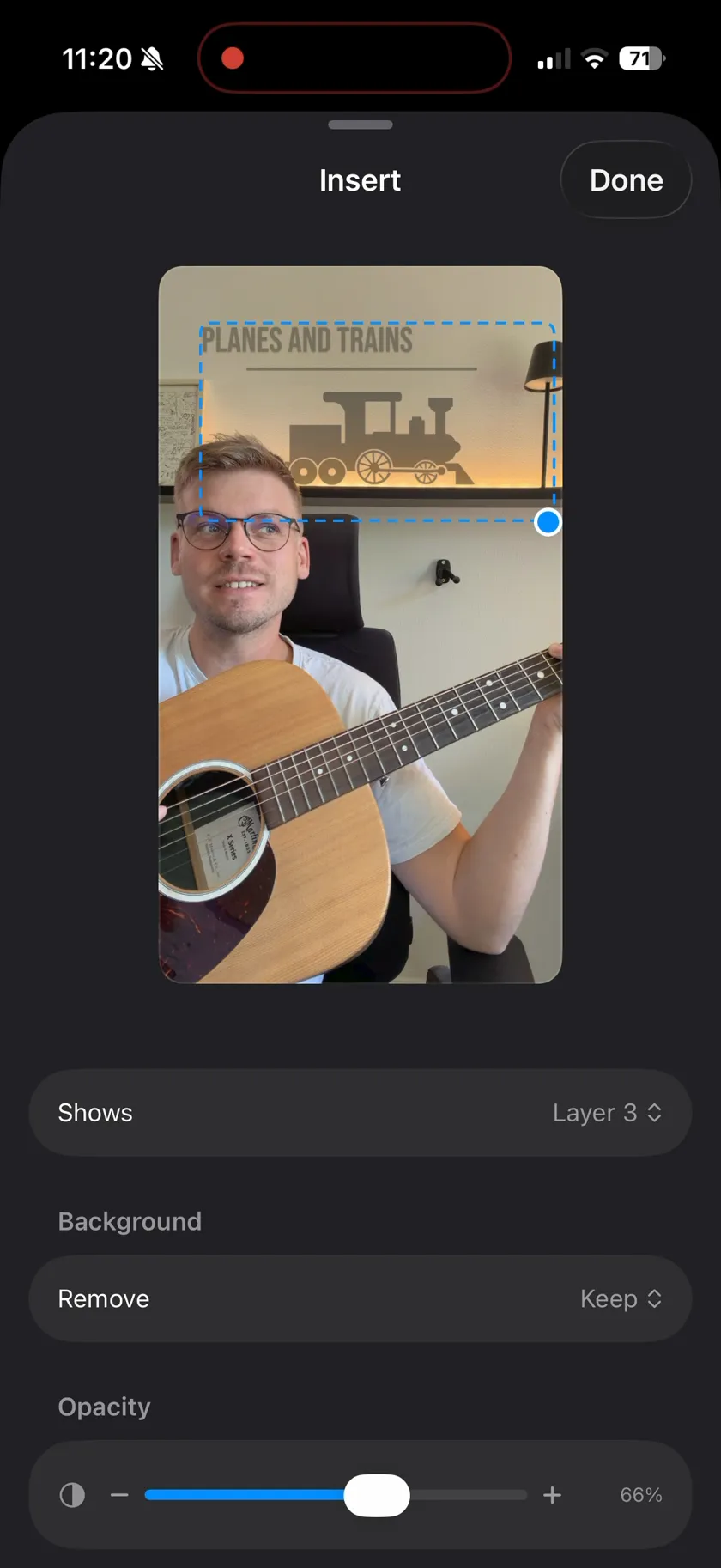
- Video inserts - float any layer over the picture as a second window
- Millisecond nudging - line up every take exactly on the grid
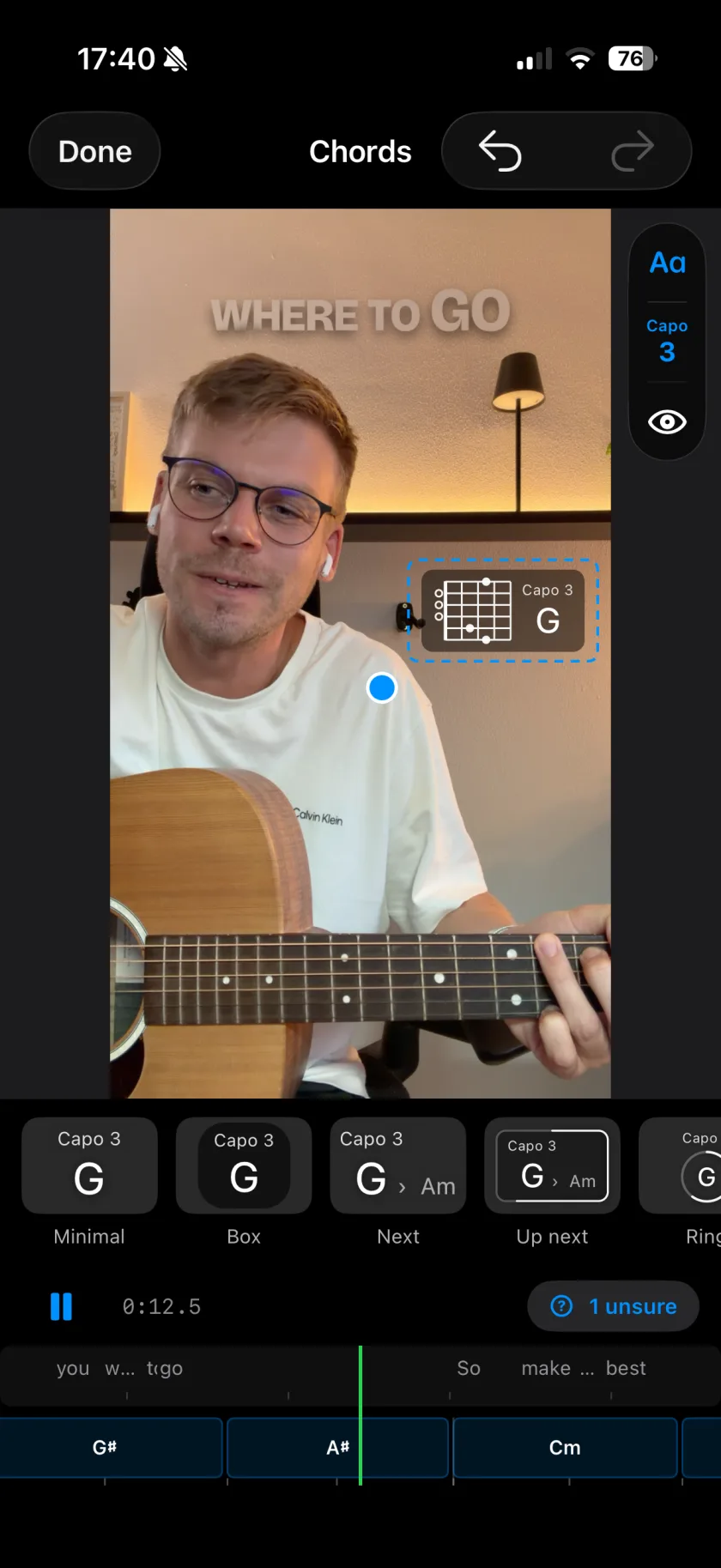
Chords & beat Pro
Musaic listens to your take and works out the chords, the beat and the key of the song.
- Chords in the picture - fifteen looks, with or without a fretboard grip, placed where you want them
- Bass, drums and keys, generated - played on your chords, as layers you can still edit
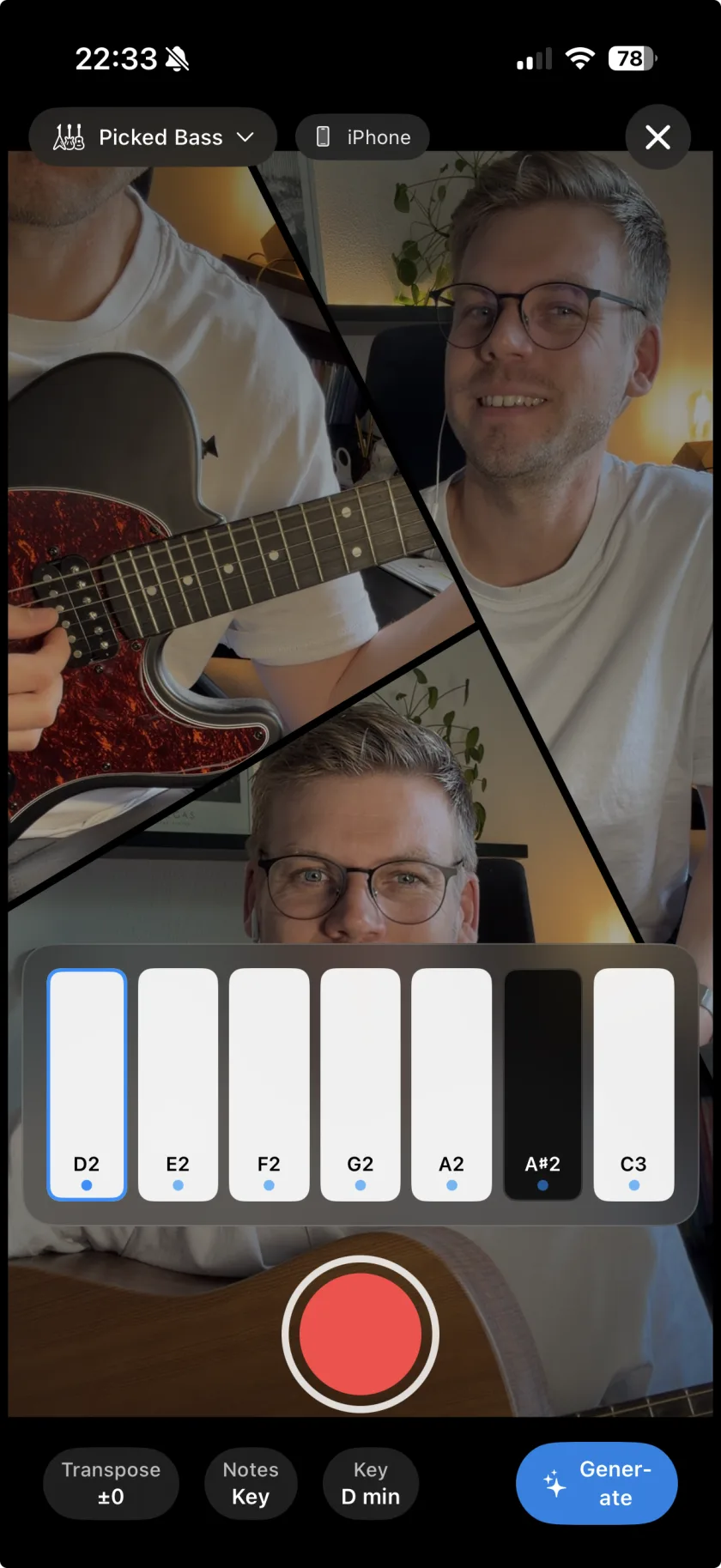
Instruments
No bass player? Lay one down yourself. Nine instrument families with 49 sounds record straight onto a new layer - in key, on screen or on a MIDI keyboard, and free for everyone.
- Piano · Bass · Drums · Synth · Strings · Guitar · Harmonica · Brass · Mallets
- Key-aware pads - pick D minor and every note fits
- Tuner - tune your instrument before you record, in the recorder or under More
Share
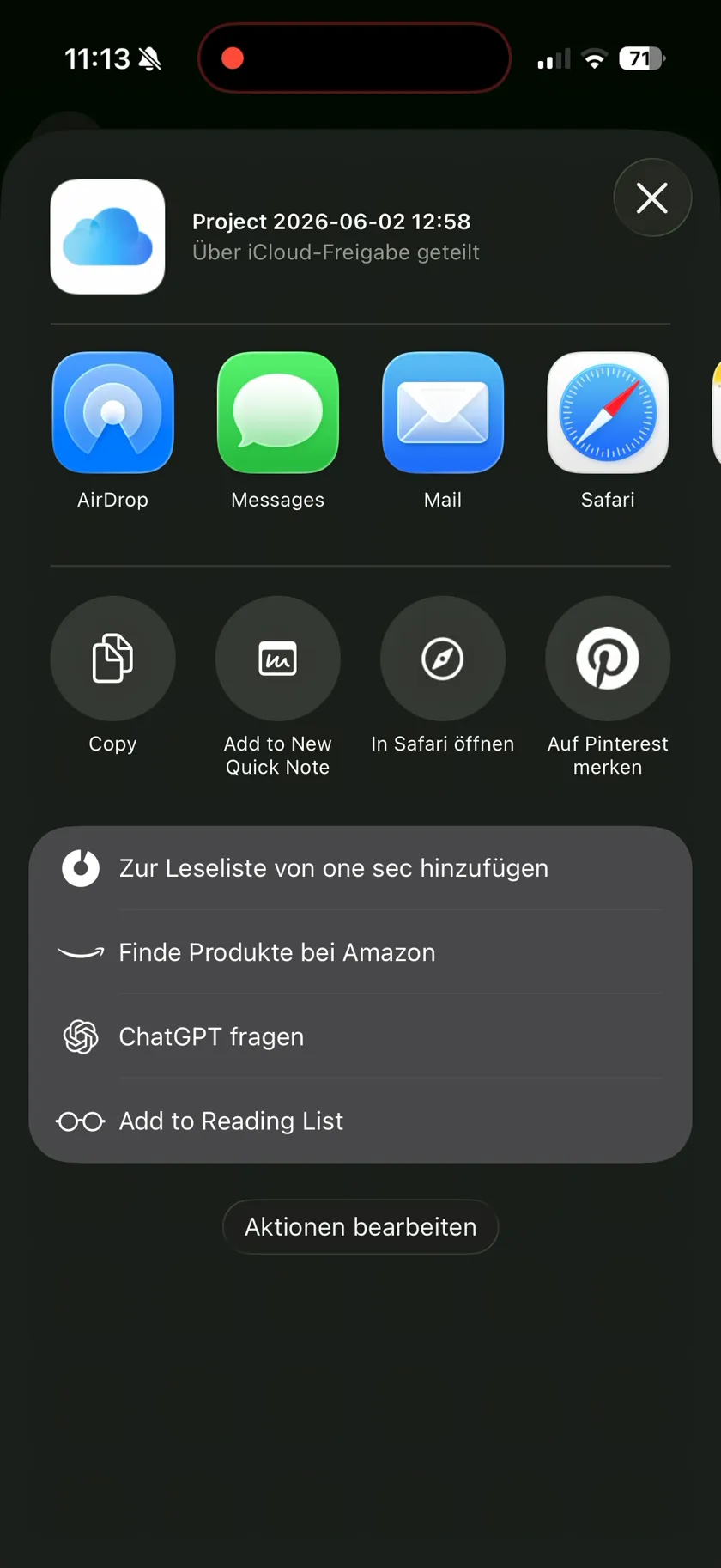
Send the whole project - takes, layers, lyrics - as an iCloud link. It opens right in Musaic on the other side, every layer still editable.
Free & Pro
Musaic
€0 - free forever
- Multi-layer recording & mosaic layouts
- Studio audio FX on every layer
- Full timeline & layout animation
- All built-in instruments, incl. the Air instruments
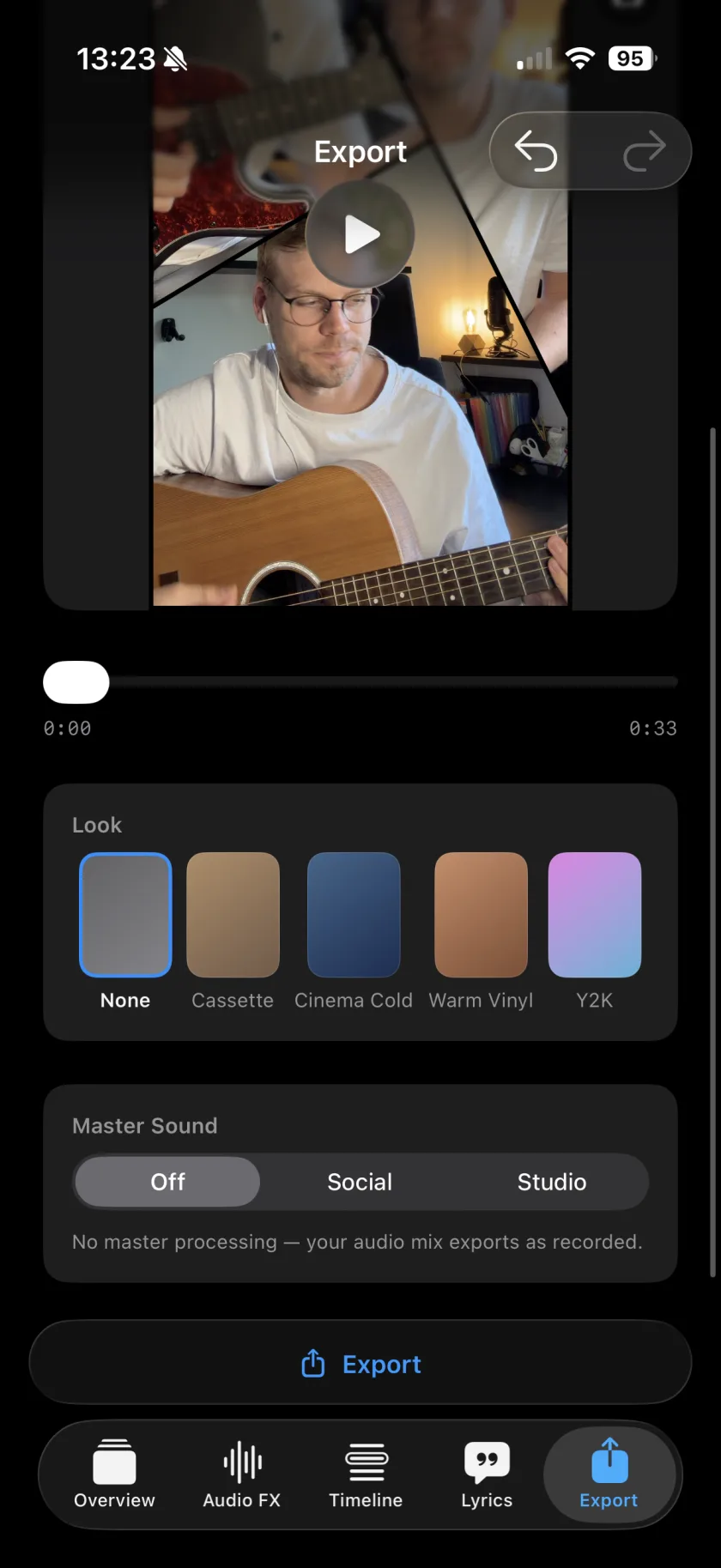
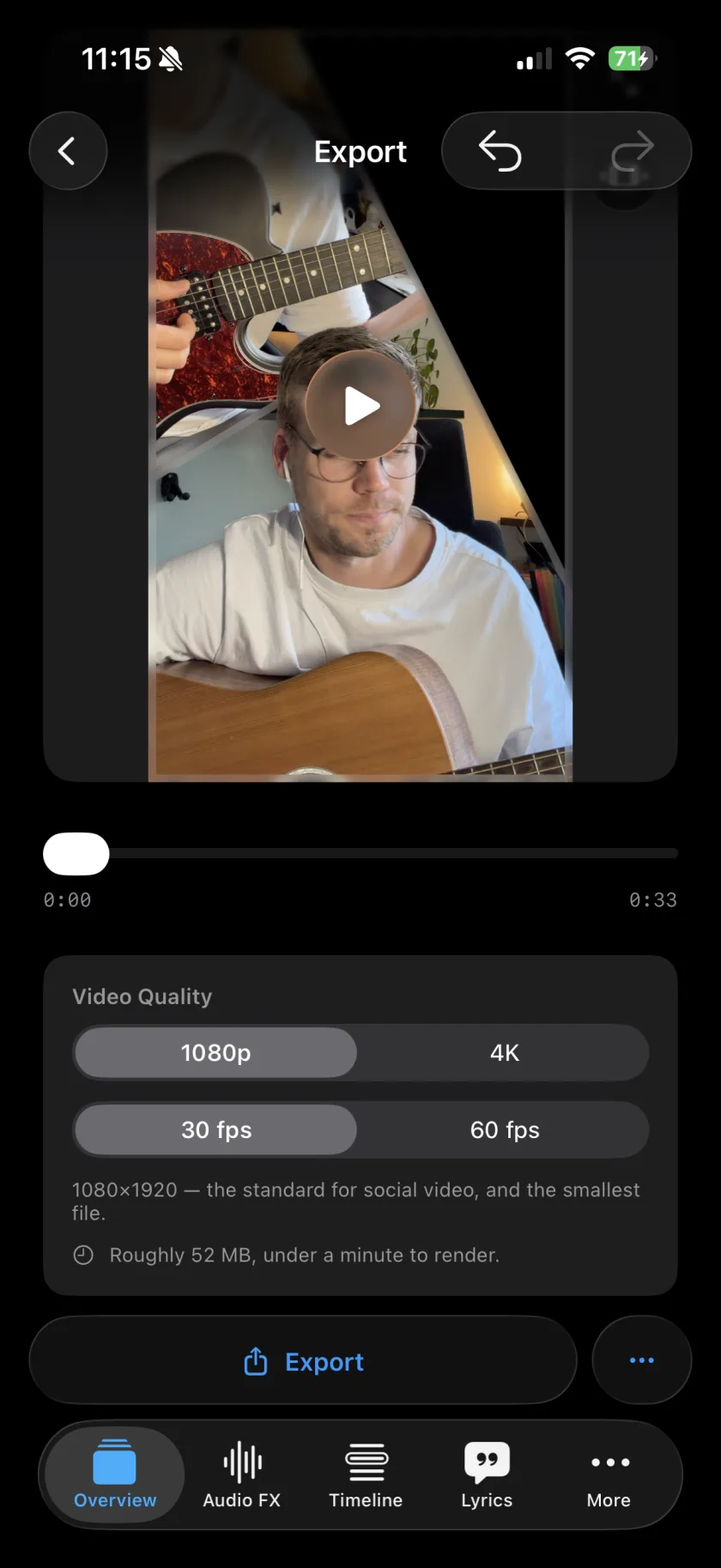
- Filters & video export (with watermark)
- Weekly challenges & Ideas
Musaic Pro
€2.99 / month or €29.99 / year
- Everything in free
- Synced, styled lyrics with auto-transcription
- Animated scenes drawn from those lyrics
- Chords, beat and key detected from your take, with bass, drums and keys generated on them
- Audio Lab: sing a part again and pick the best take
- No watermark
Auto-renewing subscription, billed via the App Store. Prices may vary by region.
Feedback
Spotted a bug, or have an idea?
Report it on GitHub. The tracker is public, so you can see what is already known, follow a fix, and add to someone else's report instead of writing a second one. Email still works for anything you would rather not post publicly.
Guides
One page per task, with the steps and the names of the buttons as the app shows them.
-
Weekly challenge
One task every week, set up with one tap.
-
Song ideas
Share a reel to Musaic, song and artist come along.
-
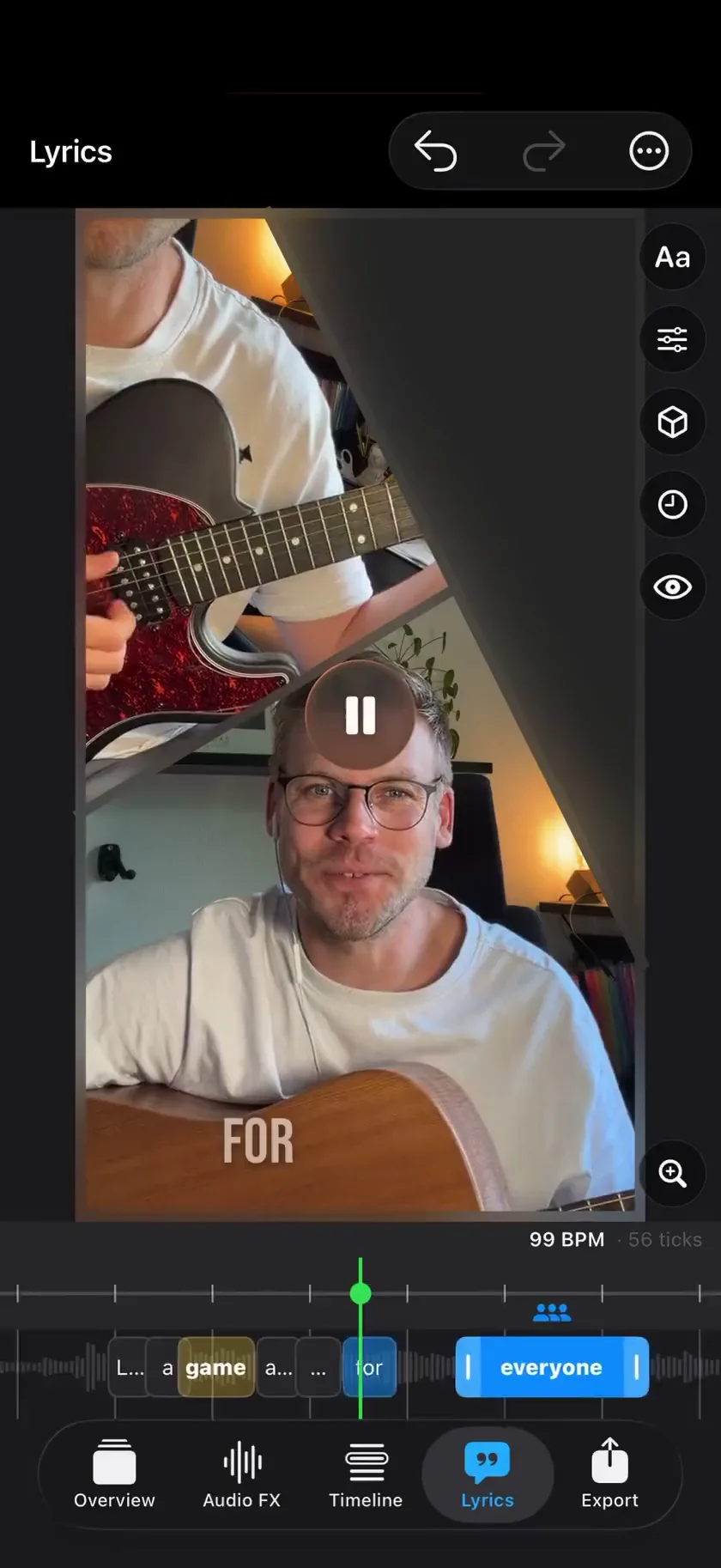 Mosaic mode
Up to 10 takes side by side, in 77 layouts.
Mosaic mode
Up to 10 takes side by side, in 77 layouts.
-
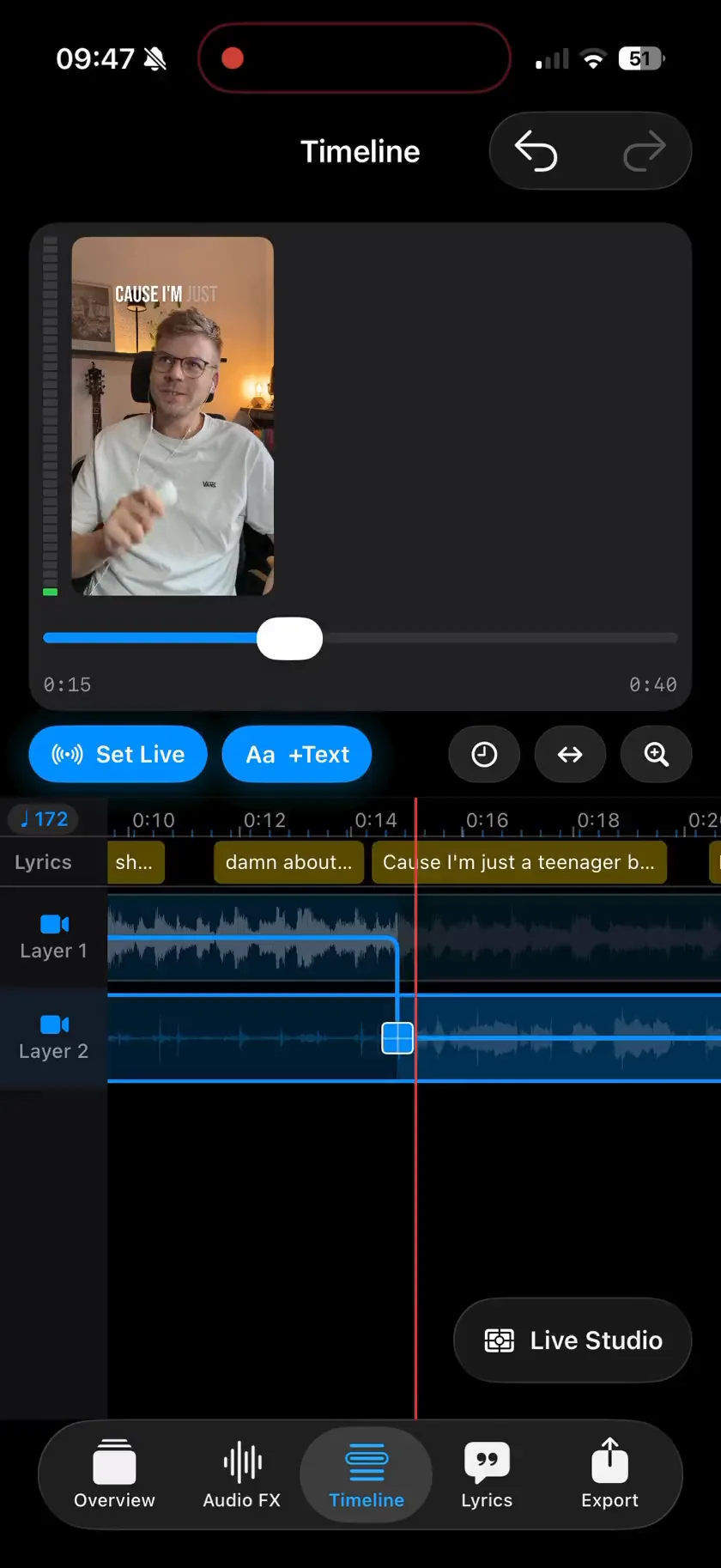 Live Studio mode
Record every angle, then cut between them live.
Live Studio mode
Record every angle, then cut between them live.
-
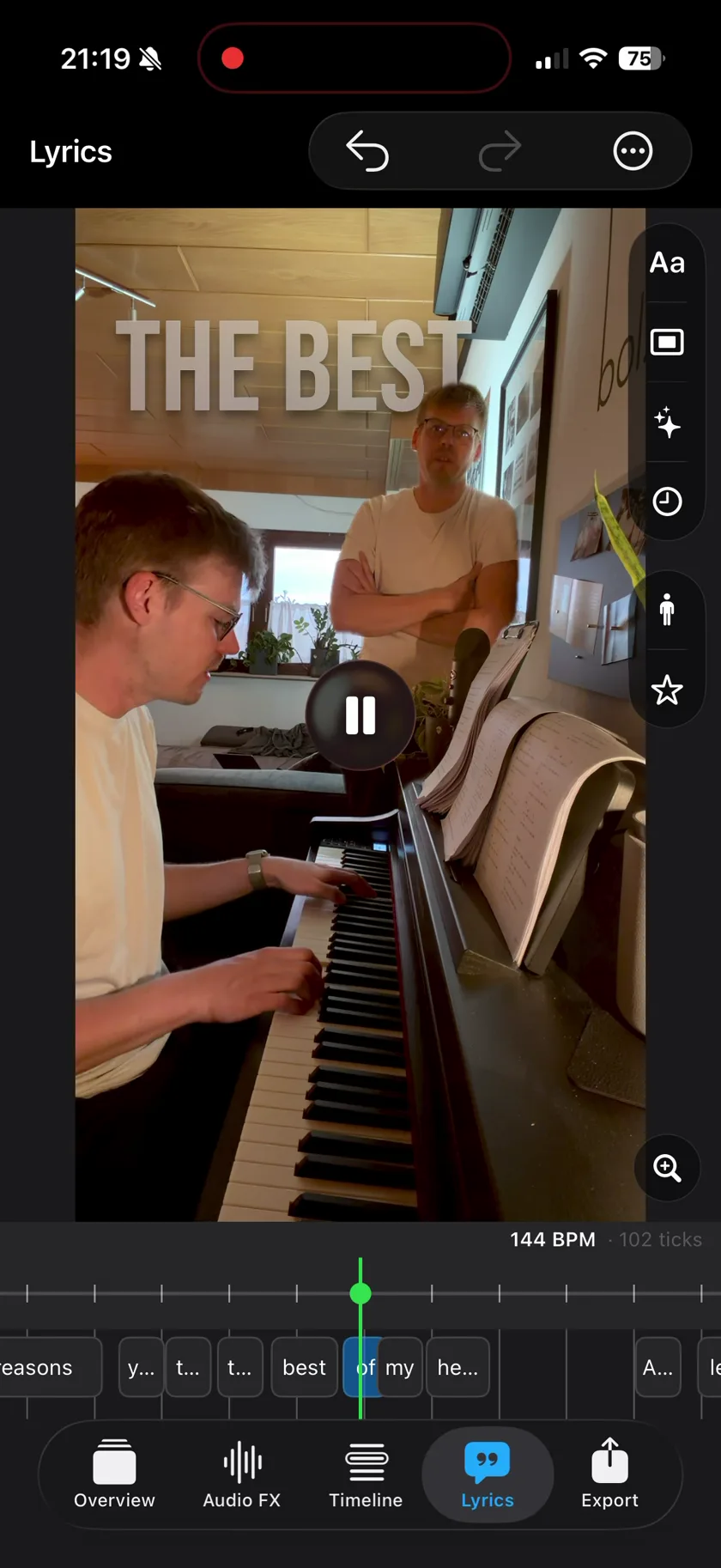 Twin mode
Two of you in one undivided shot.
Twin mode
Two of you in one undivided shot.
-
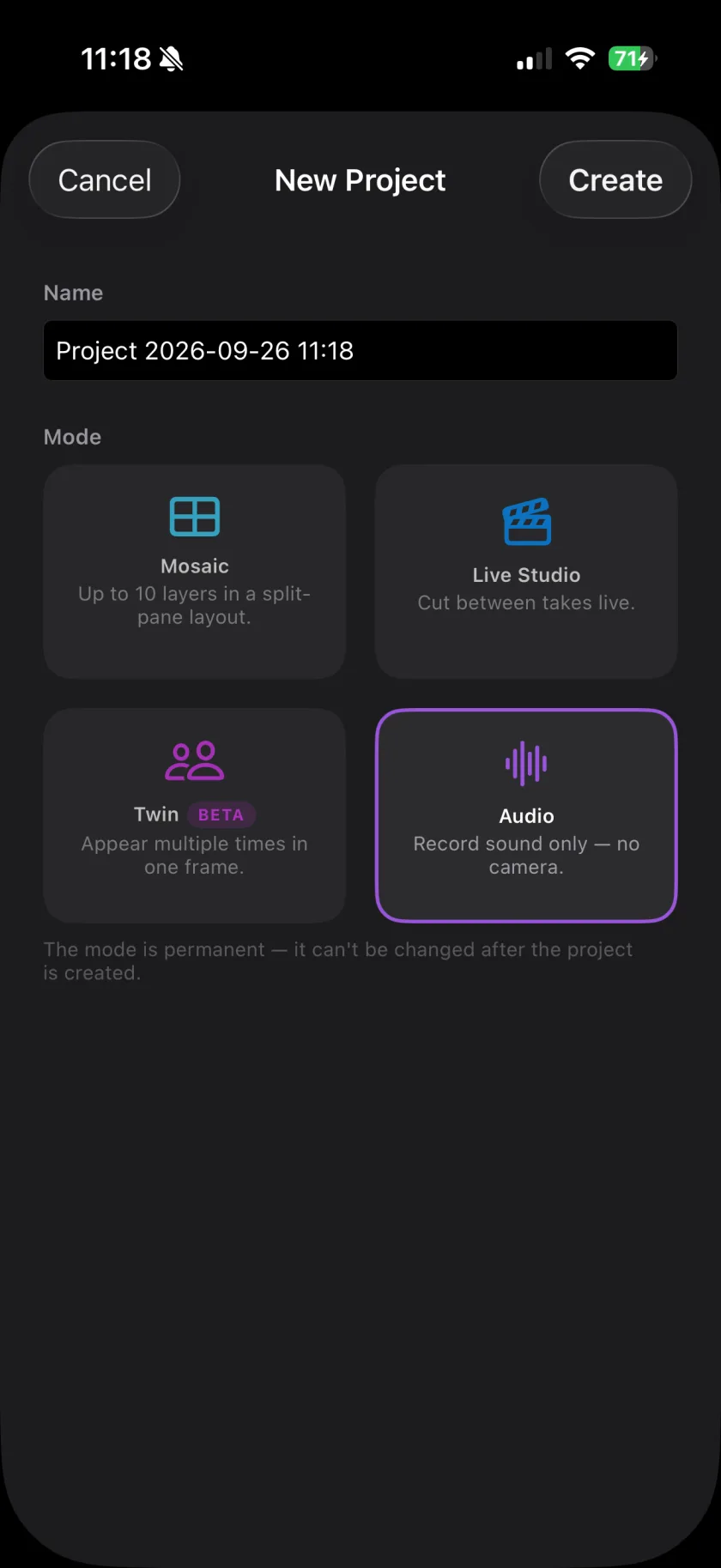 Audio mode
Layered sound without a camera, exported as .m4a.
Audio mode
Layered sound without a camera, exported as .m4a.
-
Multitrack
Track by track, with a click and a count-in.
-
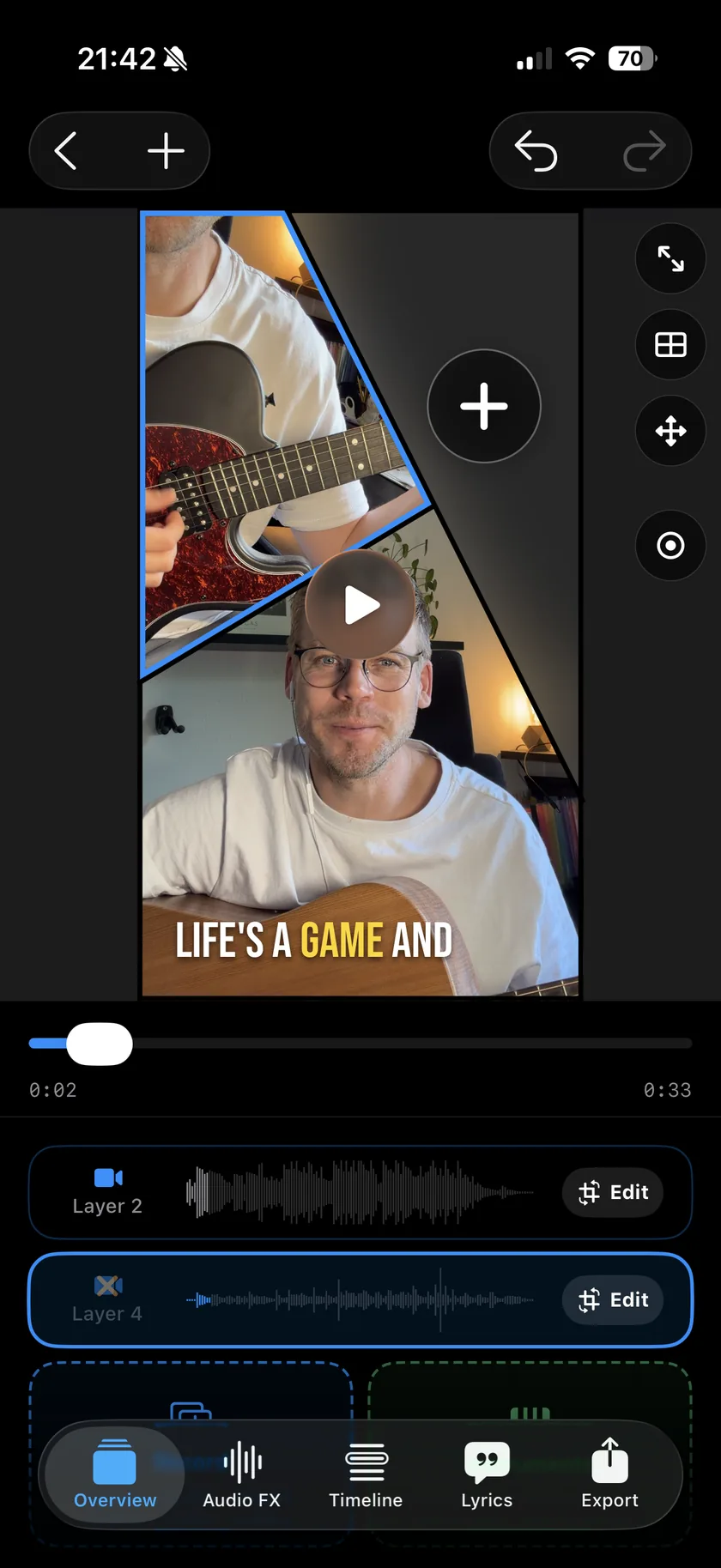 Harmonies
Every voice on its own layer, and on screen.
Harmonies
Every voice on its own layer, and on screen.
-
Cover video
Backing track in, vertical cover video out.
-
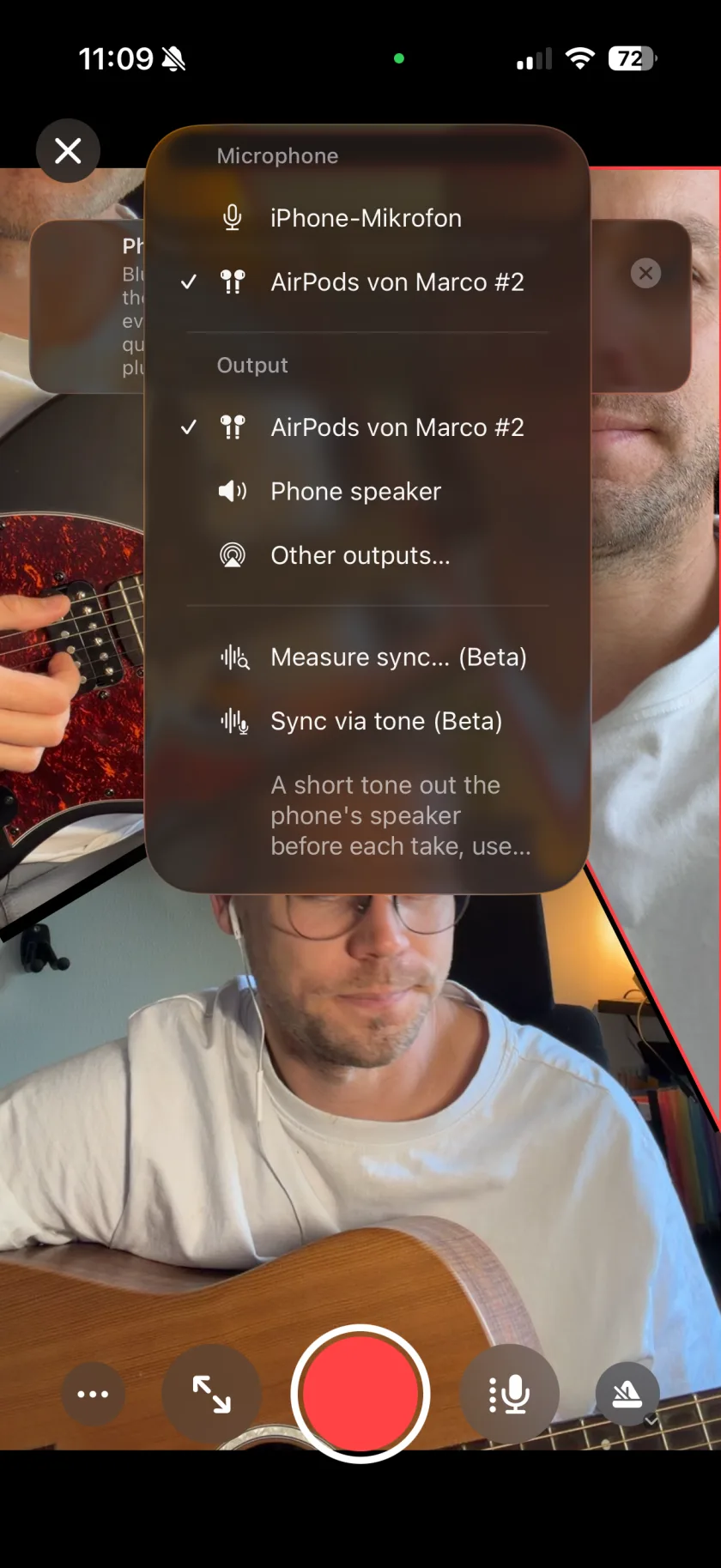 Headphones
Keep the playback out of the new take.
Headphones
Keep the playback out of the new take.
-
Audio Lab
Redo one line, keep the rest of the take.
-
Audio FX
Reverb, EQ, compressor and voice styles per layer.
-
Better vocals
Why you sound different, and how to fix it.
-
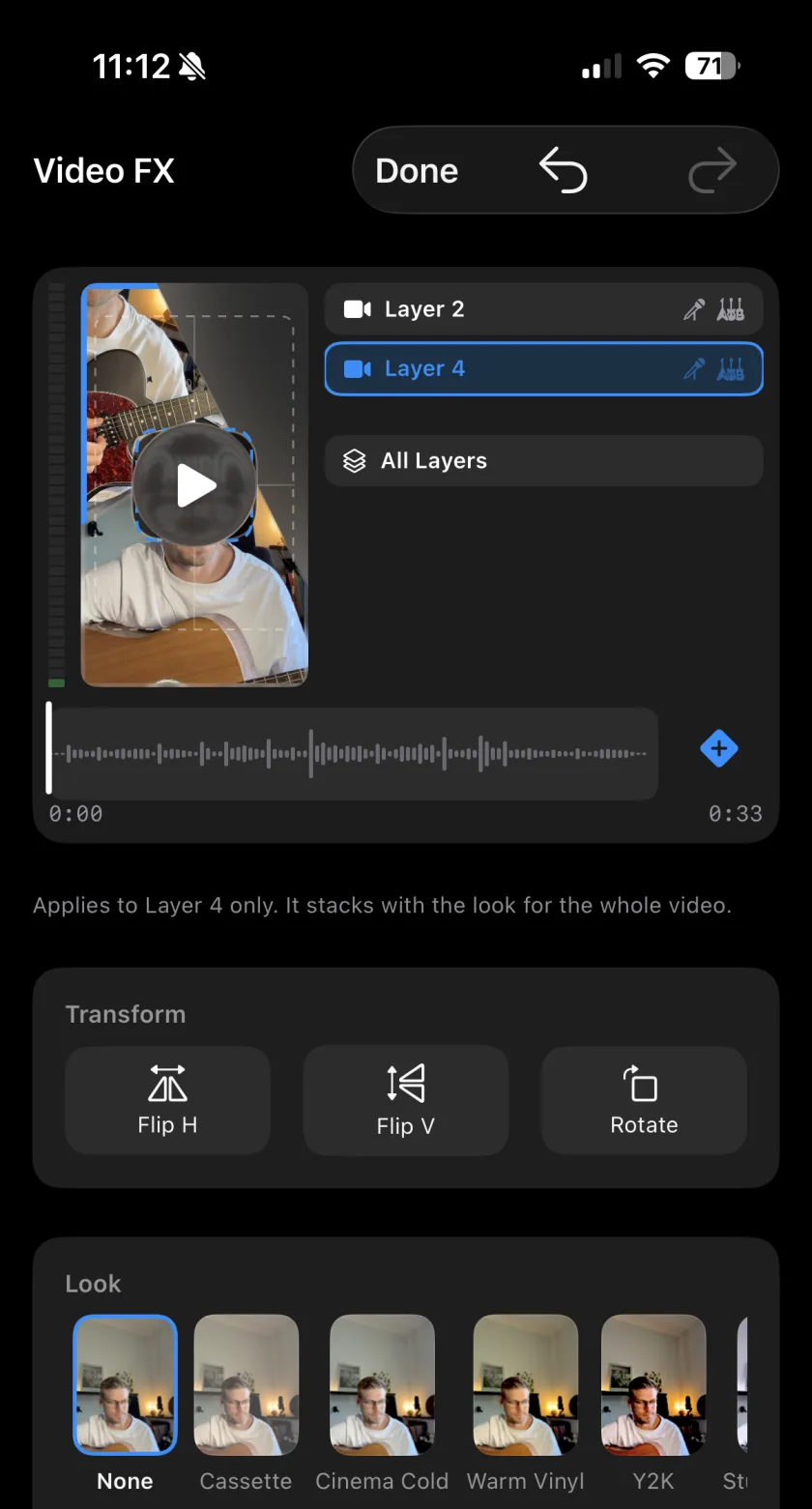 Video FX
15 looks, aimed at the person or the background.
Video FX
15 looks, aimed at the person or the background.
-
Instruments
49 sounds, on screen or on a MIDI keyboard.
-
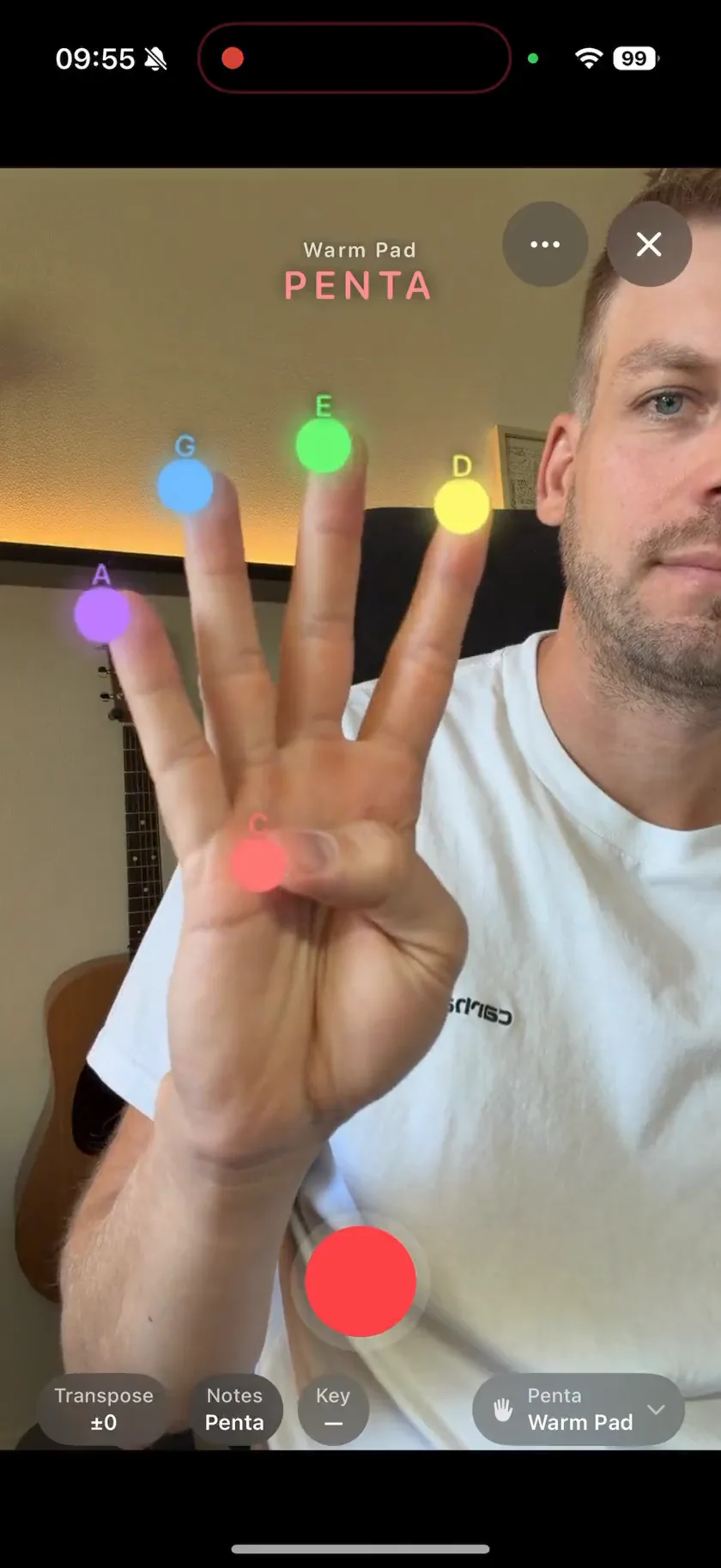 Air instruments
Seven instruments, played with your hands in the air.
Air instruments
Seven instruments, played with your hands in the air.
-
Chords
Chords, beat and key from your take, shown in the picture.
-
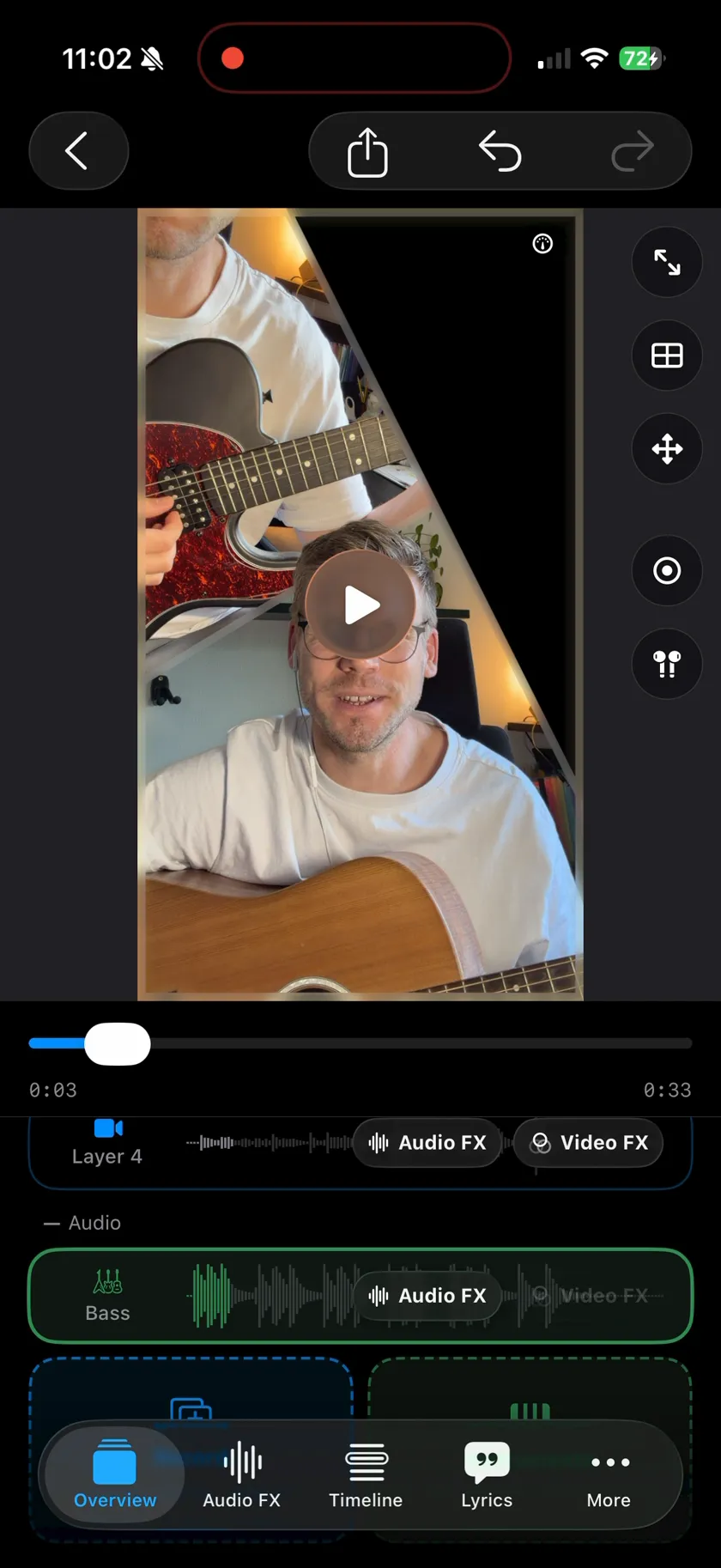 Autogenerate
A band on your chords, as editable layers.
Autogenerate
A band on your chords, as editable layers.
Questions about recording with Musaic.
What does Musaic - Recording Studio do?
It records music in layers and films every take. You play the lead, then record a harmony, an instrument or a second camera angle on top of it while the first take plays back. Up to ten of those layers end up in one frame, each with its own audio effects - so one person can perform a whole arrangement.
Which app is Musaic?
Musaic - Recording Studio, the iPhone app on this page, by lìkwest (listed on the App Store under the developer name Marco Duerrwaechter). On Instagram and TikTok it is @musaic_app. Other products use the same name and have nothing to do with it: a photos-to-music app, the MUSaIC music player, Musaic hi-fi speakers and the puzzle game Musaic Box. If an App Store search for "musaic" shows mosaic photo editors first, search for "musaic recording studio" instead: that lists this app first in every storefront I checked in October 2026.
Which iPhone app records music reels with reverb and other audio effects?
Musaic does. Record your song as a 9:16 reel, one layer at a time, and give each layer its own effects: Room, Hall, Slapback, Dub or Ambient reverb, echo and delay, a three-band EQ, Warmth, Tube Saturation, a Compressor and a Doubler. The effects are free and go into the exported video. Musaic adds them after the take instead of burning them into it: you hear them when the take plays back, not in your headphones while you record, and the raw recording is kept, so you can change the reverb at any time. For a video you have already recorded, import it as a layer, or use Videcho, my smaller app that only adds reverb, echo and EQ to an existing clip.
How do I record a song with several tracks on my iPhone?
With a multitrack recording app such as Musaic. Record the first take, for example guitar and lead vocal. Then record the next one while the first plays back in your headphones: it lands on its own layer. Repeat for harmonies, a bass line or percussion, up to ten layers. Each layer keeps its own volume and effects, and the timeline lines the takes up to the millisecond. Musaic films every take as well; if you only want the sound, start an audio-only project.
Is Musaic free?
Yes, and no account is needed. Multi-layer recording, mosaic layouts, the audio FX rack, the full timeline and every built-in instrument are free forever; video export in the free tier carries a watermark. Musaic Pro removes the watermark and adds synced lyrics, animated scenes drawn from those lyrics, and chord, beat and key detection with bass, drums and keys generated on the chords, for €2.99 per month or €29.99 per year.
How does Musaic compare to Acapella?
Both apps record you several times and put every take into one split-screen video. Musaic needs no account, and the free version records up to 10 layers with no time limit, with a timeline and effects on every layer. Musaic Pro adds lyrics and chord detection. Acapella has a community for finding other singers, which Musaic does not have. The full comparison lists both apps side by side.
Does it work on Android or iPad?
It's a universal iOS app, so it runs on both iPhone and iPad - the interface is designed phone-first. There is no Android version.
Do I need a microphone or an audio interface?
It works without one, but we recommend a microphone. Recording a second layer means the first one is playing back while you perform - over the phone's speaker that playback lands in the new take as well, so the layers smear into each other instead of staying separate takes you can mix. A headset or earbuds with a mic keeps the playback in your ears and out of the recording, which does more for the result than any effect in the app. You can also skip recording and bring in voice memos or clips from your photo library as layers instead.
Is there an app to sing harmonies with yourself on iPhone?
Yes, that is the whole point of Musaic. You sing the melody, then sing each harmony on a new layer while the earlier takes play back. Every take becomes its own layer with its own effects rack - vocal in a hall, guitar dry - and the timeline nudges each layer into place to the millisecond. Nothing has to leave the phone.
Can I appear twice in the same shot?
Yes - that's Twin Mode. Record the first take, then perform a second one in front of the same locked-off camera. Musaic cuts you out of the second take - with person detection, an "incl. objects" setting so an instrument in your hands survives, or a proper green-screen key - and places that cut-out on the first take's picture. Each version of you can then be moved and scaled anywhere on the canvas. Twin Mode is marked beta in the app: everyone gets it, but its two-take alignment is younger than the other modes.
What aspect ratios can I export?
9:16 for TikTok, Reels and Shorts, or 16:9 for YouTube. You pick the canvas per project, and it applies to every layout in it.